

Last Updated on August 19, 2026
The Ecommerce Migration Checklist for 2026: An Operator's Guide
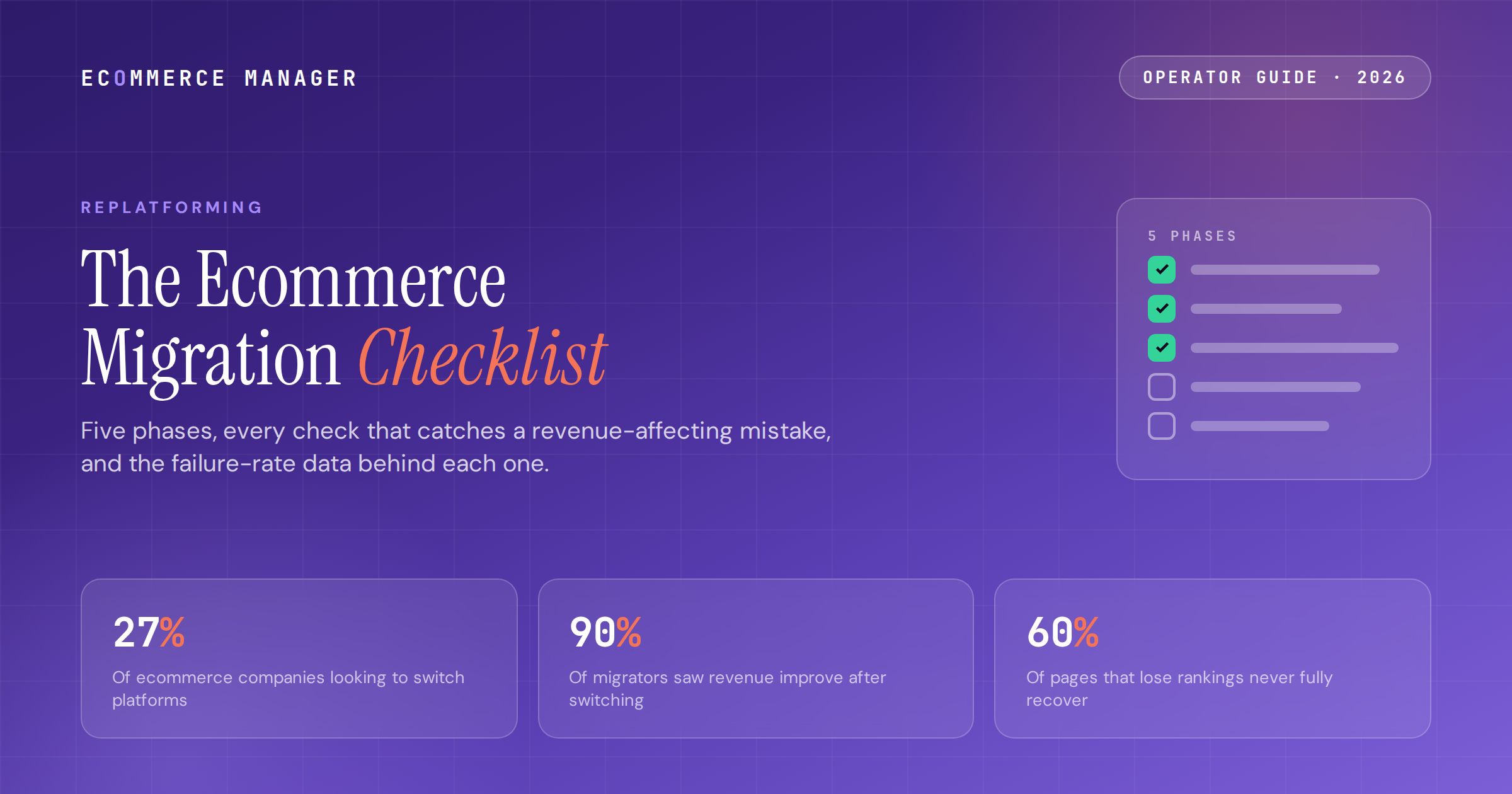
Five phases, every check that catches a revenue-affecting mistake, and the failure-rate data behind each one. Works for any platform pair — the checklist doesn't care where you're going.
On this page
The checklist is the difference between the two outcomes
The replatforming data for 2026 splits into two stories that are both true. Story one: 90% of businesses that migrated saw sales and revenue improvements afterward, and 30% reported gains of 30% or more. Story two: roughly 64% of data migrations overrun their budget, 54% overrun their timeline, and an Ahrefs study found 60% of pages that lose rankings in a migration never fully recover them. A badly run project can cost 2–5x its original budget in post-launch fixes alone.
Both stories describe the same projects. The difference between them is almost never the destination platform. It's whether the team ran a real audit before touching a tool, mapped every URL before launch, and tested the stack like money depended on it. Which it did.
What follows is the checklist, organized as five phases with the data behind each step. It's platform-agnostic — the same checks apply whether you're leaving WooCommerce for Shopify, Magento for BigCommerce, or a legacy custom build for anything with a roadmap. With 27% of ecommerce companies actively looking to switch and 78% of B2B sellers planning a move in the next year, odds are you'll run this playbook at least once.
Pre-migration audit: the phase that sets your real budget
Most of the 64% budget-overrun rate is scope discovered late. This phase moves the discovery to when it's free. Nothing gets exported, installed, or quoted until it's done.
The audit checklist
-
→Crawl the entire live site with Screaming Frog or a comparable tool and export every URL: products, collections, blog posts, filter pages, landing pages. This file becomes your redirect map's source of truth in Phase 3. No crawl, no launch.
-
→Inventory every plugin, app, and custom script against a structured tech stack audit. Each one gets a verdict: native on the new platform, replaced by an app, rebuilt custom, or retired. Custom checkout logic, gift-card balances, loyalty points, and subscription billing are the four that most often hide a rebuild project.
-
→Audit product architecture against the destination's limits. Shopify's 3-option/100-variant ceiling is the famous one, but every platform has constraints — attribute models, category depth, metafield equivalents. Products that break the destination's model must be restructured before migration, and finding them now is what keeps the quote honest.
-
→Pull baseline metrics you'll defend later: checkout conversion, organic sessions by landing page, page speed, support ticket volume, and revenue by channel from your core KPI set. The post-launch argument about whether the migration worked is settled by this snapshot.
-
→Set budget and timeline with the contingency built in: 25–40% on both. With 64% of data migrations overrunning budget and 54% overrunning timeline, contingency is a planning baseline, not a cushion. Typical all-in spend runs $25K–$500K depending on scope; SMB moves take 2–4 months and enterprise moves 6–18. Model the destination's three-year TCO in the ECM platform calculator before any vendor demo anchors your numbers.
-
→Pick the launch window now, and make it nowhere near Q4. Launch by early October or wait until January. A slipping timeline that collides with BFCM converts your best month into a QA environment.
Scoping the destination platform?
Plug your revenue, AOV, and order volume into the ECM Platform Calculator and compare three-year TCO across five platforms before any vendor demo anchors your numbers.
Data migration and build: mapping decisions before tool decisions
The transfer tools are commodities. The mapping decisions are the craft, and they're where projects quietly go wrong.
The data checklist
-
→Decide the attribute mapping deliberately, on paper, before import. Custom attributes from the source platform become metafields, variants, or tags on the destination, and the relationship is rarely one-to-one. This single planning session is the highest-leverage hour in the project; agencies report it's where most migration time burns when skipped.
-
→Choose tooling by catalog, not marketing: native importers (free) for simple stores, Matrixify-class bulk tools ($20–$200/mo) for large catalogs with technical hands, LitExtension-class services ($200–$400+) for obscure source platforms, agencies ($5K–$250K+) when organic traffic or custom logic makes failure expensive. Watch add-on fees — SEO and redirect handling priced separately can double a tool quote.
-
→Run the demo migration and audit it like an inspector: 5–10 random products checked for titles, variants, pricing, and images; customers verified with order history attached; every category level if your taxonomy nests deep. Imperfection caught in the demo is free; caught in production it's the 2–5x post-launch fix bill.
-
→Know what will not transfer and plan each workaround now: customer passwords (hashed — schedule the reset-email campaign as a comms project), themes and design (a rebuild, always), and custom logic (rebuilt or replaced per your Phase 1 inventory). Historical orders typically import as read-only archives that preserve lifetime value and reporting but can't be modified or refunded — brief your support team before launch, not after the first confused ticket.
-
→Build integrations against the new platform in a staging environment: ERP, 3PL, email platform, reviews, subscriptions, analytics. Each integration is a possible silent failure at launch; each gets its own test case in Phase 4.
SEO protection: the phase with the least forgiving data
Search equity is the one asset a migration can permanently destroy. The Ahrefs finding — 60% of pages that lose rankings never fully recover — is the stake. The checklist below is the insurance.
-
01Build the 1:1 redirect map from the Phase 1 crawl, not from memory or a sitemap export. Every legacy URL gets an explicit 301 to its most relevant new equivalent. Regex rules handle dynamic and filter URLs. Redirecting everything to the homepage is not a map; Google treats it as a soft 404.
-
02Validate every redirect against the staging site with a crawler before launch. The two recovery patterns are consistent across documented cases. Validated maps produce a roughly 15% organic dip in month one with full recovery by month three. Unvalidated maps produce hundreds of indexed 404s, a 30–60% organic loss in the first three months, and a 2–6 month climb back.
-
03Preserve metadata, schema, and canonicals explicitly. Title tags, meta descriptions, alt text, and structured data are premium add-ons on most migration tools and silently skipped on basic plans. Confirm JSON-LD product markup renders on the new platform — well-structured product pages increasingly surface in AI search results without extra work, and losing that markup is losing the visibility.
-
04Update the XML sitemap and resubmit in Search Console at launch, keep the old sitemap accessible briefly so crawlers process the redirects, and watch Coverage reports daily for the first two weeks. 404 spikes caught on day two cost hours; caught in week six they cost a quarter.
-
05If organic drives meaningful revenue, put a migration-experienced SEO specialist on this phase alone. Their entire job is the crawl, the map, and the validation — the three steps DIY migrations most often shortcut, and the cheapest insurance in the whole project against the 60%-never-recover statistic.
Don't run the redirect map alone.
The ECM directory lists vetted migration specialists with verified client reviews — filtered by source platform, budget, and vertical, including SEO teams that run replatforming projects weekly.
Launch QA: testing like revenue depends on it
The final week is testing, not building. Customer patience is the constraint: 70% of consumers abandon a brand after just two bad experiences, and 40% abandon sites that load slower than three seconds. Launch problems spend that patience fast.
-
01Place real test orders through the full stack: payment capture and refund, tax calculation by region, shipping rates against carrier rules, discount codes, and confirmation emails. Miscalculated tax settings and broken shipping zones are the two most common launch-week revenue leaks, and both are free to fix in staging.
-
02Test every rebuilt integration as a system: email flows firing from the new platform, reviews rendering, subscriptions billing on schedule, inventory syncing with the 3PL, analytics and pixels recording. A checklist row that says 'installed' is not a test; a transaction flowing end-to-end is.
-
03Load-test against your real peak, not average traffic. If the legacy platform's instability during spikes was a reason you left, verify the new stack holds at 2–3x your best day before that day arrives with customers attached.
-
04Run the cutover with a freeze plan: a short maintenance window at your lowest-traffic hour, a final delta import of orders and customers created during the transfer, and the DNS switch. Orders placed mid-transfer with no reconciliation plan become the support backlog that eats week one.
-
05Spot-check migrated content formatting by hand. Platform editors strip HTML on import — bold text, embeds, and image alignment in blog posts and pages need a human pass. Tedious, cheap, and better found by you than by a customer or by Google.
Post-launch: the project isn't done at launch
The migration is done when the numbers beat the old platform's, not when the DNS flips. Ninety days is the honest evaluation window.
-
01Monitor daily for the first two weeks: Search Console coverage and 404 reports, checkout conversion against the Phase 1 baseline, page speed, error logs, and support ticket themes. Every documented fast recovery shares this trait — problems found in days, not discovered in monthly reporting.
-
02Expect the organic dip and hold your nerve if the map was validated. Roughly 15% down in month one, recovering by month three, is the documented pattern for clean migrations — one published case recovered and grew organic sessions 10.7% within 90 days. Panic-reverting redirects mid-recovery is how clean migrations become messy ones.
-
03Reconcile the app and integration bill at day 30. Replaced tools have a habit of staying subscribed on the old card. The 20–30% operational-overhead savings migrated merchants report only materializes if someone actually cancels the legacy stack.
-
04Run the 90-day review against the Phase 1 baseline: checkout conversion, organic sessions, page speed, ticket volume, and total platform cost. 90% of migrators report revenue improvement — verify you're in that cohort with numbers, and if you're not, the variance analysis starts with the redirect map and the checkout funnel, in that order.
-
05Write the post-mortem while it's fresh. What the audit missed, which contingency got used, what the next migration should do differently. With 27% of companies eyeing a switch at any given time, this document is an asset — and ECM tracks how these platform moves keep playing out in weekly Insights.
What a smart operator does with this
Front-load the discovery. The 64% budget-overrun rate is mostly scope found late: the plugin with no equivalent, the product architecture that breaks the destination's limits, the URL inventory nobody pulled. Phase 1 exists to find all of it while it's still free, which is why the audit — not the tool selection — sets your real budget.
Treat SEO as the deliverable with the least forgiving failure mode. Sixty percent of pages that lose rankings in a migration never fully recover them, and the difference between a 15% dip that heals in 90 days and a 30–60% crater is a validated redirect map built from a complete crawl. It's the cheapest expensive-looking work in the entire project.
Hold the project open for 90 days. The success statistics are genuinely on your side — 90% of migrators report revenue improvement — but membership in that cohort is verified against your Phase 1 baseline, not assumed at launch. Monitor daily for two weeks, cancel the legacy stack at day 30, run the review at day 90, and write the post-mortem you'll want next time.
Frequently asked questions
What should an ecommerce migration checklist include?
Five phases. Pre-migration audit: full site crawl, plugin and custom-logic inventory, product architecture check against the destination's limits, KPI baseline, and budget with 25–40% contingency. Data migration: deliberate attribute mapping, tool selection, and an audited demo migration. SEO protection: a validated 1:1 redirect map from the crawl, metadata and schema preservation, and sitemap resubmission. Launch QA: end-to-end test orders, integration testing, load testing, and a cutover freeze plan. Post-launch: daily monitoring for two weeks, legacy stack cancellation at day 30, and a 90-day review against the baseline.
How long does an ecommerce platform migration take?
SMB migrations typically take 2–4 months and enterprise migrations 6–18 months end to end, including planning. The data transfer itself is the short part; the audit, redirect mapping, integration rebuilds, and QA consume most of the calendar. Add a 25–40% timeline contingency: cross-industry data shows 54% of data migrations overrun their schedule. Never target a launch inside Q4 peak season — launch by early October or wait until January.
How much does ecommerce replatforming cost in 2026?
Merchant survey data puts expected spend between $25,000 and $500,000 depending on scope. Simple SMB moves start around $20,000 all-in, mid-market migrations with custom work run $25,000–$150,000, and enterprise replatforms (Salesforce Commerce Cloud implementations, deep ERP integration, B2B complexity) exceed $500,000. Budget a 25–40% contingency on any quote, since roughly 64% of data migrations overrun their budget — and note that a poorly executed migration can cost 2–5x the original budget in post-launch fixes alone.
Will migrating platforms hurt my SEO rankings?
Only if the redirect work is skipped or unvalidated. With a complete 1:1 redirect map built from a full pre-migration crawl and validated before launch, the documented pattern is a roughly 15% organic dip in month one and full recovery by month three. Without it, poorly executed migrations lose 30–60% of organic traffic in the first three months — and an Ahrefs study found 60% of pages that lose rankings in a migration never fully recover them. The redirect map is the single highest-stakes deliverable in the project.
Is replatforming worth the risk?
The outcome data says yes, when the process is run properly. Ninety percent of businesses that migrated report sales and revenue improvements afterward, with 30% reporting gains of 30% or more, and merchants leaving self-hosted stacks report 20–30% lower operational overhead. The risk concentrates in execution, not in the decision: budget overruns (64% of projects), timeline slips (54%), and SEO loss from unvalidated redirects are all preventable with the audit, mapping, and validation phases of a proper checklist.
The playbook top eComm operators actually read
One weekly brief. Five stories that matter. Zero fluff. Written for managers at $5M–$50M DTC brands who want to sound sharper than everyone else in the meeting.
References
- 01 27 Ecommerce Migration Statistics That Guide Successful Platform Transitions — swell.is
- 02 25 Ecommerce Replatforming Statistics That Drive Growth in 2026 — swell.is
- 03 Ecommerce Replatforming Cost Index 2026 — elogic.co
- 04 Ecommerce Replatforming: The Complete Migration Guide 2026 — zoolatech.com
- 05 E-commerce Replatforming: Plan Your Migration in 2026 — nix-united.com
- 06 5 Costly eCommerce Replatforming Mistakes 2026 — edgebound.xyz
- 07 The Enterprise Guide to Ecommerce Replatforming in 2026 — trikatechnologies.com
- 08 10 Signs You Need Ecommerce Replatforming Now — elogic.co
- 09 The Shopify Migration Checklist: 47 Steps Before, During, and After — ringly.io
- 10 Shopify Migration Checklist 2026: Key Steps for Success — uptek.com
- 11 Complete Shopify Migration Guide 2026: The Pillar — digitalheroes.co.in
- 12 Shopify Migration: The Complete Guide (2026) — sodawebmedia.com
- 13 WooCommerce to Shopify Migration: Gains, Losses & Real Cost — appwrk.com
- 14 Magento to Shopify Migration: Complete 2026 Guide — conversion-design.com
Make your platform decision data-backed
Join 12,000+ ecommerce managers reading the ECM newsletter every Wednesday — or browse the directory to find vetted migration, CRO, and platform specialists.