

Last Updated on June 3, 2026
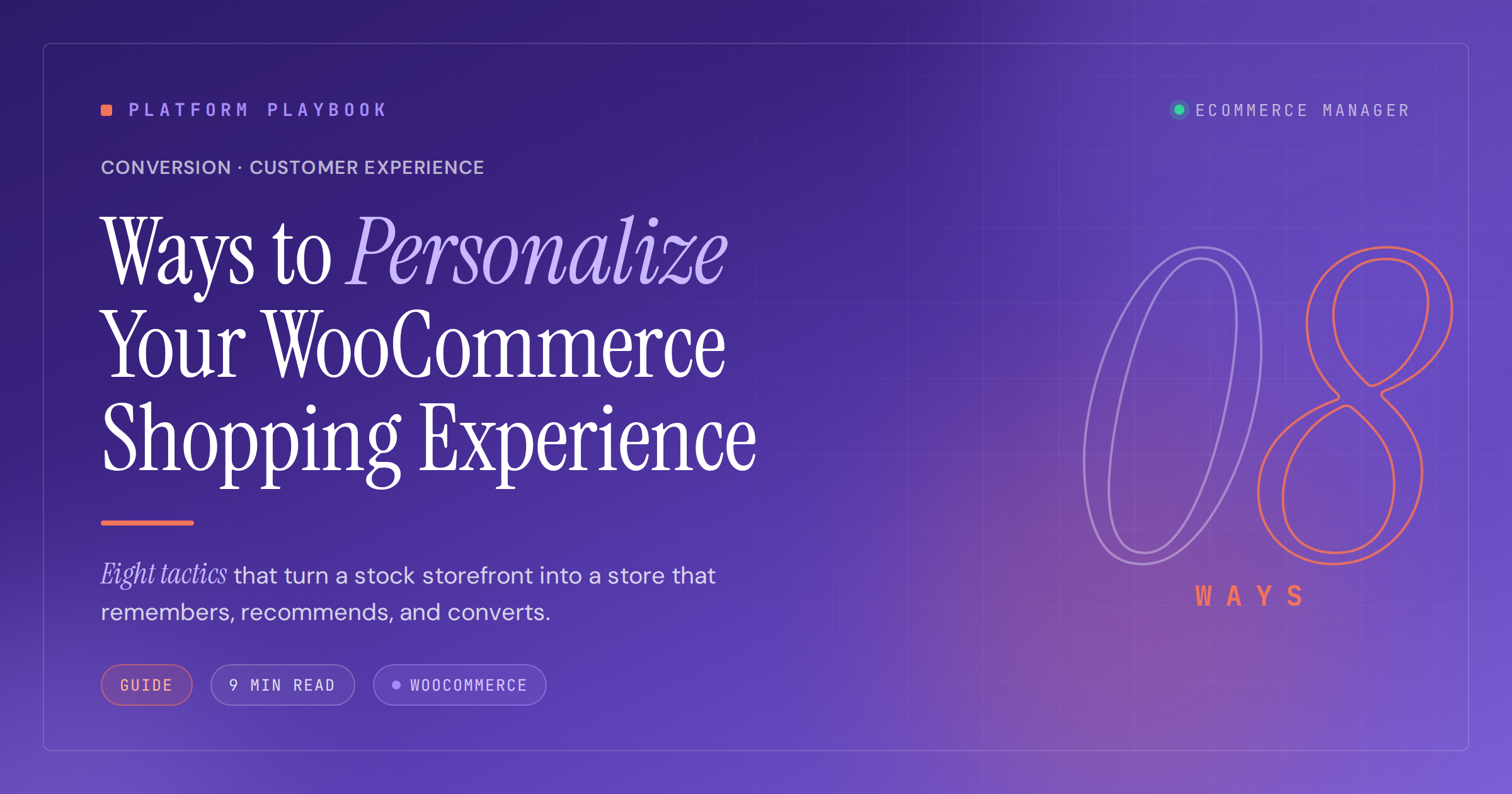
8 Ways to Personalize Your WooCommerce Shopping Experience
Online shoppers expect stores to understand their preferences and anticipate their needs. This guide explores eight practical strategies to make your WooCommerce store more responsive to individual customer behaviors and purchasing patterns. Industry experts share proven techniques that help transform generic browsing into tailored shopping experiences that drive conversions and build loyalty.
- Convert Hesitation with Curated Alternatives
- Trigger Reorders on Actual Depletion
- Let Buyers Build Their Products
- Localize Currency and Delivery by Country
- Suggest Sizes from Body Profiles
- Surface Preferred Payment First at Checkout
- Prioritize Catalog to Match Visitor Interest
- Target Content via Smart Tags
Convert Hesitation with Curated Alternatives
Quick disclosure. PerfumeM runs on Shopify, not WooCommerce, so the platform-specific plugin notes won’t apply. The personalization principles do, and they map cleanly to any WooCommerce stack with the right extensions. I’ll share what we ship and where to find the WooCommerce equivalent.
The one personalization method that moved the needle for us is behavior-triggered re-engagement on product detail pages. Specifically, when a logged-in or cookied customer visits a PDP more than twice in 14 days without buying, we send a single email 48 hours after the second visit. The email is not a coupon. It’s a short note that says “you’ve been looking at this. Here are 3 similar fragrances from our catalog that buyers who hesitated on this one ended up loving.” It includes 3 hand-picked matches based on note overlap and on what customers in similar purchase histories bought instead.
WooCommerce equivalent: CartFlows for the trigger workflow, plus a recommendation extension like Recombee or YITH WooCommerce Frequently Bought Together for the matched picks. Or roll it with a custom hook on woocommerce_after_single_product if you want full control.
What I’d avoid: Generic “you may also like” carousels at the bottom of every PDP. We tested those for 6 months and the click-through was 0.4 percent. The same recommendations delivered 48 hours after a hesitation moment via email had a 14 percent click-through and a 6 percent purchase rate on the click. Same content, different moment, totally different result.
The impact on loyalty: Customers who came back through the behavior-triggered email had a 24 percent higher 90 day repeat rate than customers acquired through a discount-led re-engagement. The reason matters. A re-engagement based on “we noticed you, here are 3 picks for you” reads as service. A re-engagement based on “here’s 15 percent off” reads as a price negotiation. The first one is loyalty, the second one is a transaction.
If you only have time to ship one personalization workflow this quarter, ship hesitation-triggered re-engagement before any storewide recommendation engine. The signal is more reliable and the customer feels seen instead of marketed to.

Trigger Reorders on Actual Depletion
The single move that moved the needle for us on WooCommerce was personalized reorder timing—matching the prompt to when a customer actually runs out, not a generic 30-day clock. Probiotics get consumed at different rates depending on dose, SKU, and whether someone’s pairing two products. Our team pulled order history and product-level serving counts into a customer field on Subscriptions, then triggered the reorder email and on-site banner off that calculated depletion date. Plugin-light, custom logic on top. We validated the depletion math against actual reorder timing in the data before trusting it.
When the prompt lands the week a customer is scraping the bottom of the bottle, one-time buyers convert to subscribers at a meaningfully higher rate than any discount delivered. In a regulated category where we can’t lean on aggressive claims, timing and trust are what compound retention. Next step for us: tightening that depletion model per SKU pairing.

Let Buyers Build Their Products
Honestly, product customization is one of the most underused personalization methods in WooCommerce stores.
When a customer can configure what they’re buying, add a personal message, pick a specific variant, and choose an extra, the whole shopping experience changes. They are not just browsing a catalog anymore, they’re building something. And that kind of involvement makes them far more likely to complete the purchase and come back.
To achieve this customer shopping experience, most stores use a plugin to get there. PH Product Add-Ons for WooCommerce is one option that handles this well, letting store owners add custom fields to any product page without touching code.
But beyond the product itself, the broader shopping experience matters too. Whether the store feels relevant to that specific customer, the products they see, the options available to them, all of that adds up. Stores that get this right feel personal. The ones that don’t feel like a generic catalogue, and customers can tell the difference.
The loyalty side of it is what’s most interesting. It’s not dramatic, you won’t see a sudden spike. But over time, fewer returns, fewer complaints, and customers who just quietly come back on their own. No discount needed, no retargeting ad. They just come back because the experience was good.

Localize Currency and Delivery by Country
Enable geolocation to detect a shopper’s country and switch currency and shipping options on the spot. This reduces confusion at checkout and builds trust with clear totals in a familiar currency. Local rules like taxes, duties, and delivery windows can appear automatically, which cuts cart drop-off.
A polite banner can explain why the site changed currency and offer a simple toggle for manual override. A cache-friendly setup and a country-to-currency map keep pages fast and accurate. Turn on geolocation in WooCommerce and add clear location controls today.
Suggest Sizes from Body Profiles
Offer size picks based on simple profile measurements like height, weight, and fit preference. A short fit quiz or past purchase data can map shoppers to sizes by brand and style. Clear notes can explain how a size was chosen and let the shopper adjust it.
Photos and reviews tagged with body data give extra proof and reduce guesswork. Respect privacy by letting users edit or delete measurements at any time. Add a fit assistant that turns profiles into size guidance today.
Surface Preferred Payment First at Checkout
Save each shopper’s preferred payment method so the right option appears first at checkout. This shortens the path to pay and makes repeat orders much faster. For guests, a short-lived cookie can store the choice, while account holders can keep it in their profile.
The store can still show other methods and default to the safest choice if a card fails. Clear consent and an easy way to change the default will keep trust high. Add a payment preference setting and make it the first option now.
Prioritize Catalog to Match Visitor Interest
Rank products based on what each visitor looks at most, such as categories, price ranges, and styles. Signals like searches, time on page, and wishlists can shift the order so the best matches rise first. A small label like Most relevant for you helps people understand why items appear.
New visitors can see trending products until enough data exists. Controls to reset or pause personalization keep the experience fair and transparent. Turn on interest-based sorting and add a clear relevance label today.
Target Content via Smart Tags
Use tags like New, VIP, Student, or Returning to change content blocks across the store. A VIP tag could show early access, while a New tag could show a welcome code and quick tips. Tags can sync from email tools or be set by on-site actions, and each tag can control banners, copy, and product picks.
Safe defaults should appear when no tag exists so the page still makes sense. Split tests can check which tag rules lift clicks and sales. Connect your tagging system and map each tag to dynamic content today.
Related Articles
- Reducing Cart Abandonment: 10 Strategies for WooCommerce Stores
- “Must-Have” WooCommerce Extensions for Customer Engagement
- November 2024 Favorite Woocommerce Plugins for Ecommerce Professionals – eCommerce Manager